
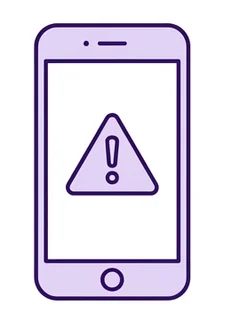
A text says your bank account has been blocked and you need to click a link. You’re not sure it’s real. You don’t want to call your son again.
Simeon makes online life safer and simpler, for you and the people who help you.
Free for 3 months. No card needed.

Illustrative photo · Pexels
A text says your bank account has been blocked and you need to click a link. You’re not sure it’s real. You don’t want to call your son again.
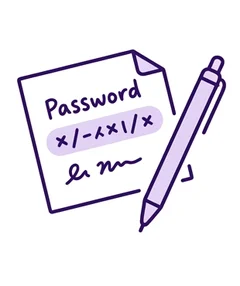
Your caregiver offers to check your pension payment. You write your password on a piece of paper for her. Later, you wonder where that paper went.
“My children are busy. I’m not going to bother them with this. I’ll manage somehow.”
It’s not you. Online life keeps getting harder.
This is everyday life for millions of people and the people who help them. Until now, nobody had built anything for it.
Your bank, your doctor, your shopping and almost everything else have moved online, with more complexity and more steps every year. Nearly half of people in France find online paperwork difficult, and one in two has already helped a family member get it done. Getting help shouldn’t cost you your independence.
Source: Baromètre du numérique 2026 (CRÉDOC for ANCT, Arcep and CGE); key results.
Getting help shouldn’t cost you your independence.
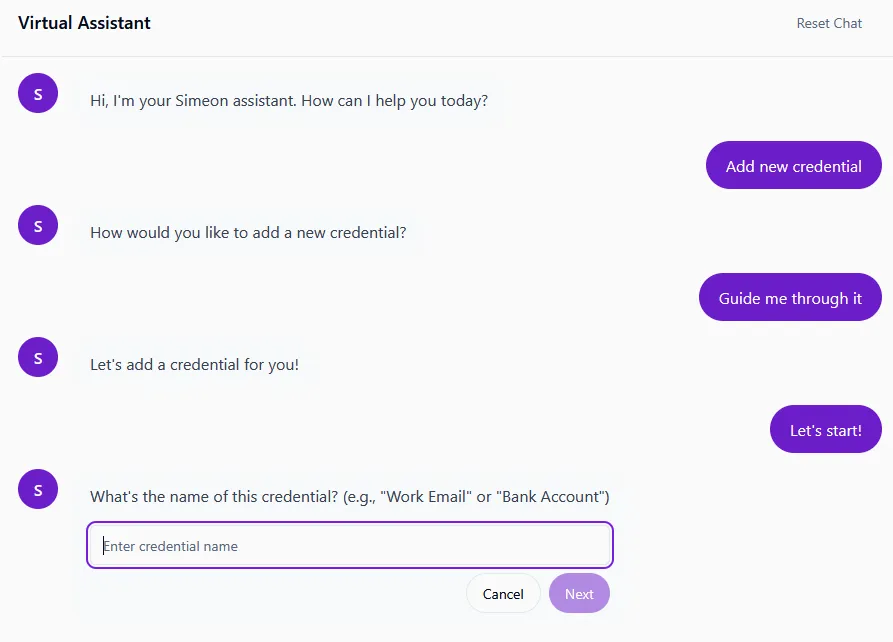
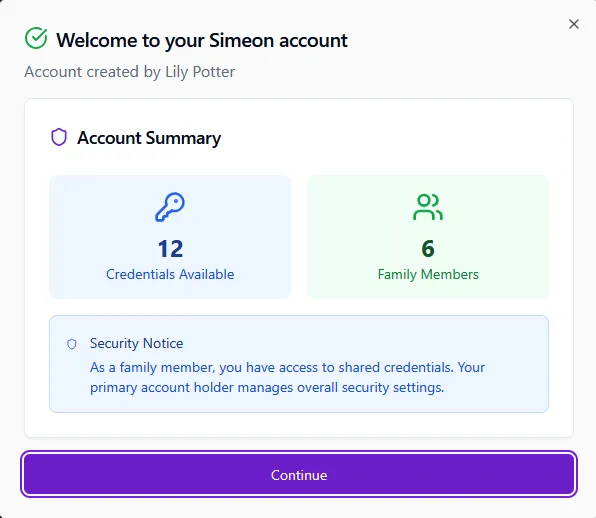
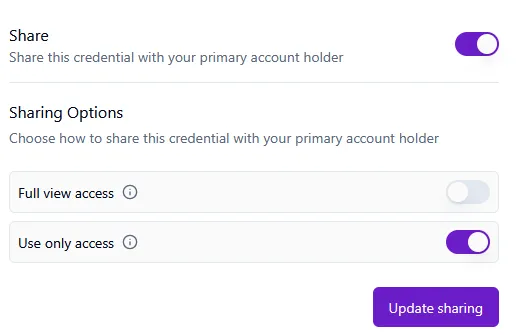
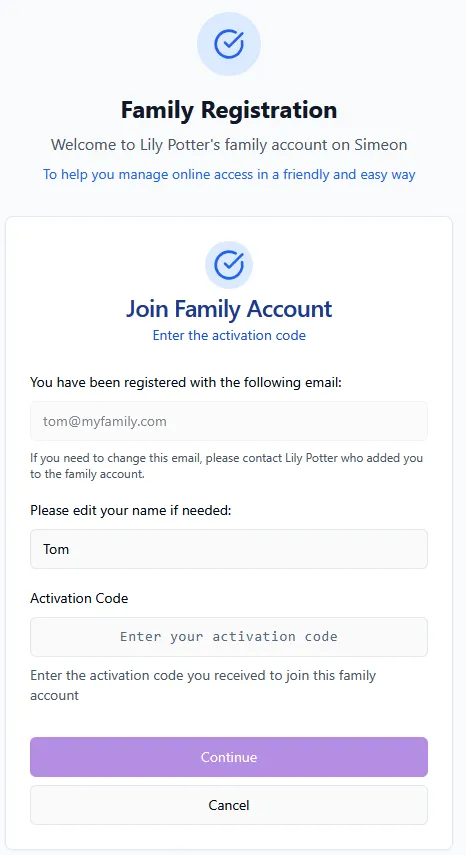
Help from Simeon, whenever you want it.
Not sure what a website or message is asking? Simeon’s assistant explains it in plain words, guides you step by step and learns how you like things explained. You decide what to do. Learn more
Help from people you trust, when you need it.
Ask a relative, friend or caregiver to help with one task. They see only what you choose, for as long as it takes, and everything they do is recorded.
Check before you click.
Show the assistant an email, text or website you’re unsure about. It explains whether it looks like a scam, why and what to do next. You also get simple tips and alerts about the latest scams.
Your important information, in one safe place.
Your accounts and key details stay encrypted in one place. No more passwords on paper.
You decide, always.
You choose who helps and what they can see, check what was done and take access back in one tap.


Illustrative photos. Home-care photo: Pexels.
found it intuitive
felt confident after one try
said secure login sharing is essential
Survey of 250 people across three generations, United Kingdom, 2025.
Home-care nurses already help clients online during visits, and often finish tasks at home, on their own time.
Lawyers pointed out that without a record of who accessed what, a fraud complaint has little to stand on.
Simeon’s founders have spent more than 20 years building identity and security systems for governments and banks. Your sensitive information is encrypted end to end and can only be read on devices you’ve approved. We can’t read it.

Free for 3 months. No card needed.